


Surprisingly, sites with good image descriptions see up to 32% fewer accessibility complaints and better search visibility and that scale matters when you manage hundreds of photos across an editorial or e-commerce site. You need a clear, repeatable workflow so juniors produce accurate, context-aware alt text that helps accessibility and supports SEO without stuffing keywords. In this guide we will take you through how your team can use a Chrome AI alt text generator properly in 2026 for more positive gains for your site.
For consistent quality, we recommend Img Alt Gen Pro, as it focuses solely on high-quality, contextually relevant descriptions and pairs well with teams that already handle image compression. We recommend to start juniors on a 10-token free trial to practice on real content, enforce short quality gates and measure results through quarterly audits and review cycles.
Key Takeaways
- Set one objective: accurate, context-aware image descriptions that aid accessibility and SEO.
- Choose a dedicated tool for consistent, high-quality output at scale.
- Train with a right-click extension workflow to reduce friction and errors.
- Use the 10-token free trial to onboard juniors with real examples.
- Track QA pass rates and audit outputs quarterly to prove results.
 Popup result
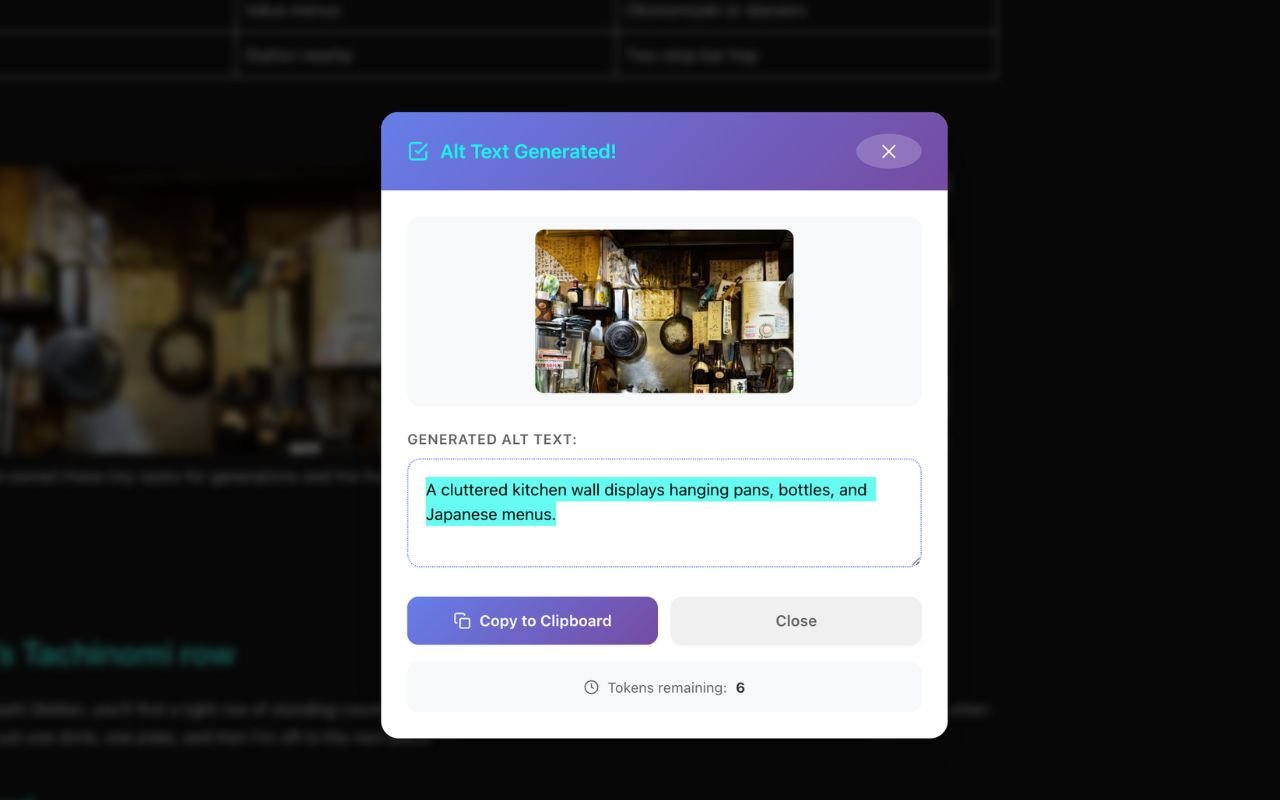
Right‑click → Generate → Copy
Perfect for audits, client tweaks, and quick accessibility clean‑ups on any site.
Why Your Team Should Train on AI-Powered Alt Text
Training your team now delivers measurable accessibility improvements and clearer search signals for image-led pages and with Img Alt Gen Pro’s specialization, it yields higher-quality, context-aware descriptions that serve screen reader users and improve on-page relevance for your website.
Extensions and plugins can use page meta descriptions and primary keywords to inform descriptions and they also support 130+ languages and connect via plugins and APIs, so you align image descriptions with your content strategy and global audience.
We recommend to run a short pilot with the 10-token free trial to show quick wins and then pair outputs with a human QA checklist to raise throughput and accuracy while protecting brand tone and clarity.
- You meet accessibility obligations and build long-term SEO equity with page-relevant descriptions.
- You cut production friction by using tools that read both the image and surrounding content.
- You ensure consistent wording, faster localization, and ethical data handling as sites scale.
You can validate results through audits, analytics, and stakeholder reviews. These steps help juniors treat editorial, product and user images correctly while proving impact to decision-makers.
How to Train Juniors to Use a Chrome AI Alt Text Generator to Do Alt Text Properly in 2026
Learn to train juniors to use a Chrome AI alt text generator for accurate alt text. Enhance accessibility with Img Alt Gen Pro's AI.
Read MoreImage SEO in your Browser- A Practical Guide to Alt Text Generation with a Chrome Extension
Discover the power of alt text generation Chrome extensions. Our how-to guide shows you how to enhance image SEO and accessibility directly in your browser.
Read MoreHow to Use AI to Manage Large Image Libraries in 2026
Discover top tools for large image library processing. Learn how AI-powered solutions can streamline your image management tasks and improve accessibility.
Read MoreManual Vs Auto Alternative Text – Which One is Better in 2025?
Manual vs auto alt text: which alt text approach is best for you? Explore the pros and cons of each to optimize your images.
Read MoreWhat is an Alt Text Generator and How it Could Save you Hours of Time in 2025
Save time with an alt text generator. Find out how to automate alt text creation and boost your productivity in this step-by-step guide
Read MoreBest AI Tools for WordPress in 2025 – Content, SEO, and Automation to Improve Your Site
Curious how automated site generation can cut your launch time from weeks to minutes while still giving you control? In this article, you will discover...
Read MoreHere are the Top AI Alt Text Generators Reviewed
Pages with clear image descriptions boost search visibility and accessibility, yet nearly half of sites still leave this file field empty. That gap costs time...
Read MoreBest Image Compression Tools for Faster Websites in 2026
A 2025 online test found one service cut a JPEG from about 791 KB to 40 KB which is roughly a 95% drop, without wrecking...
Read MoreImprove Your Websites Functionality and Visibility in 2026
Surprising fact: the CDC reports 61 million adults in the U.S. live with a disability, which means a significant portion of your potential audience may...
Read MoreHere Are the Top SEO Tools for WordPress Websites in 2026
Agencies are increasingly finding that simplicity is key to achieving significant search engine optimization (SEO) success: a single, well-supported WordPress plugin combined with a lean,...
Read MoreThe Best WordPress Productivity Plugins in 2026
60% of small sites that add AI-assisted tools report faster publishing and higher conversions within six months. You need a clear path to boost site...
Read MoreBulk Alt Text Generation Tools in 2026
You rely on visuals to tell stories, but search engines and readers still need concise descriptions to find and understand your pages. In 2026, scalable...
Read MoreChrome AI Alt Text Generator
A simple right-click workflow can cut alt completion time and boost consistency across media-rich pages, so we suggest to start with a short, supervised demo so juniors see the full copy flow. You will then right-click an image, choose Generate Alt Text, then click Copy and paste into the CMS alt field. Make sure to teach them to check nearby page meta and keywords so descriptions stay page-relevant without stuffing terms. This kind of alt text bulk generation will save you and your team time and money.
Right-Click to Generate and Copy Alt Descriptions
Always train juniors to use the right-click image menu for fast results and the flow is to right-click image → select generate alt → copy result → paste into the CMS field because this reduces errors and speeds throughput.
Language Support, Privacy and Secure Integration
By picking tools that support 130 languages so you can scale globally, then require an account and API key held by your developer or admin to enforce role-based control and audit logs. We tend to prefer extensions that state data is used only for core functionality and not sold.
- Use Img Alt Gen Pro as the quality benchmark for audits and style examples.
- Validate outputs by sampling results and comparing reviews across tools.
- Document the exact copy-and-paste steps for your CMS to prevent field overwrites.
| Tool | Key action | Users & rating | Integrations |
|---|---|---|---|
| AltText.ai (v1.0.8) | Right-click → Generate → Copy | 8,000 users • 4.8 | WordPress, eCommerce apps, CMS connectors, developer API |
| GenAlt (v2.7.7) | Right-click → Generate → Copy | 2,000 users • 4.3 | Web interface, plugins, CMS integrations |
| Img Alt Gen Pro | Context-aware descriptions, quality focus | Benchmark for quality and audits | CMS API, plugins, enterprise integrations |

Training Curriculum for Juniors
Begin each task by scanning the page so image descriptions match the audience and purpose and always try to note the main topic, target reader and any nearby captions or meta that shape meaning.
Read the Page and Capture Context
You should summarize the page goal in one line before writing, as that keeps descriptions aligned with the content and improves on-page relevance.
Describe the Image, not the UI
We recommend to tell juniors to describe what appears, avoiding UI labels like “image of” or repeated filenames and to keep phrases direct and factual. Naming your files appropriately is vital when putting your library together.
Balance Accessibility and SEO
Always, include relevant keywords only when natural and prioritize clarity and usefulness for screen reader users over search tricks.
Handle Decorative and Duplicate Images
Make sure to use null attributes for purely decorative items and duplicate visuals because this prevents unnecessary verbosity for assistive tech.
Use the Extension’s Copy Flow and Paste into Your CMS
It is suggested to train the right-click-and-copy workflow, which is to generate alt text, copy the result, then paste into the correct CMS field and finally check character limits and field behavior each time.
Self-QA Checklist
- Confirm factual accuracy against the source image.
- Remove fluff and maintain brevity and brand voice.
- Ensure relevance to the page and audience.
- Leverage Img Alt Gen Pro examples so juniors see quality benchmarks quickly.
A tiny tool that saves loads of time
Drop it between posts - it’s compact, responsive, and built for real‑world browsing.
Img Alt Gen Pro for Unmatched Alt Text Quality
Choose a specialist solution when quality and context matter for every image on your site and an extension like Img Alt Gen Pro focuses solely on producing accurate, context-aware image descriptions that serve accessibility and editorial goals.
The platform reads the visual content and pulls cues from surrounding page copy and that combined view helps produce descriptions that match your page intent and reduce editorial rewrites.
What Makes it Better for Teams
- Purpose-built: designed to deliver precise image alt text rather than a broad feature set.
- Context-aware: analyzes both the image and nearby content to align descriptions with page goals.
- Operational fit: connects with your compression, DAM and CMS layers without heavy process changes.
- Faster reviews: stronger first-pass results cut revision cycles and save editor time.
- Free trial: a 10-token test lets juniors practice on live assets before you scale.
| Use case | Primary benefit | Why choose Img Alt Gen Pro |
|---|---|---|
| Accessibility-first sites | Clear, WCAG-ready descriptions | Contextual analysis improves screen reader clarity and relevance |
| Editorial & media-heavy pages | Consistent voice at scale | Purpose-built outputs reduce edits and speed publishing |
| Teams with existing stack | Easy integration | Works with compression, CMS, and DAM without process overhaul |
Accessibility and SEO Guidelines
When juniors write concise, meaningful image descriptions, screen reader users and search results both benefit. Your guidance should blend WCAG-aligned rules with page intent so every description serves a clear purpose.
WCAG-Aligned Descriptions that Serve Screen Reader Users
Always convey the essential information someone would miss without vision and describe what matters to the story or task and skip decorative details.
Concise, Context-Rich Wording that Improves On-Page Relevance
We recommend to keep wording short and tied to the page goal, so use relevant keywords only when they fit naturally to support SEO without cluttering the description.
Consistent Treatment for Editorial, Product and UGC Images
- Apply a single rule set so editorial, product and UGC images read predictably across the site.
- Avoid file names and UI labels, then focus on unique visual information.
- Set clear rules for null attributes on decorative or duplicate images.
- Use multilingual checks and page meta cues so localized descriptions remain accurate and respectful.
Use Img Alt Gen Pro examples and regular reviews with accessibility leads to validate results, as it maintains a changelog of issues and fixes to speed training and improve long-term results.

Operationalizing Alt Text
You will find that operational rules help you scale quality for large media workloads, so make sure to define who drafts descriptions, who refines them and who gives final sign-off. Lastly, embed these steps into your CMS flow so teams do less copying and more publishing.
Define Responsibilities
Always make juniors generate initial drafts, then editors refine wording and check tone. These accessibility leads validate WCAG compliance and approve templates.
Standardize with Templates and Style Guides
Make sure to create page-type templates, before/after examples and a short do/don’ts list and keep the guide in a shared repo so new hires learn fast. This will be good for your team and ultimately creates a more efficient workflow.
Batch Workflows and Review Loops
Additionally, schedule sprints to process galleries and large libraries and use peer reviews for factual checks and an editorial sign-off before publish.
Track Results and Data-Driven Review
Also, be sure to monitor accessibility audits, SEO lifts, editorial acceptance rates and user feedback and use those metrics to set SLA-style goals for turnaround and quality.
| Role | Gate action | Owner | Key metric |
|---|---|---|---|
| Junior | Generate draft descriptions | Content team | First-pass accuracy % |
| Editor | Refine, check tone and context | Editorial lead | Acceptance rate after edits |
| Accessibility lead | WCAG validation and template approval | Accessibility team | Audit pass rate |
| Developer / Admin | Manage keys, permissions, logs | DevOps or developer | Integration uptime & audit logs |
We recommend to pick Img Alt Gen Pro for content-heavy workflows with its batch features, templates and CMS APIs pair well with sprinted reviews. You can start a pilot with the 10-token free trial to set realistic throughput targets and prove results while keeping data use limited to core functionality.
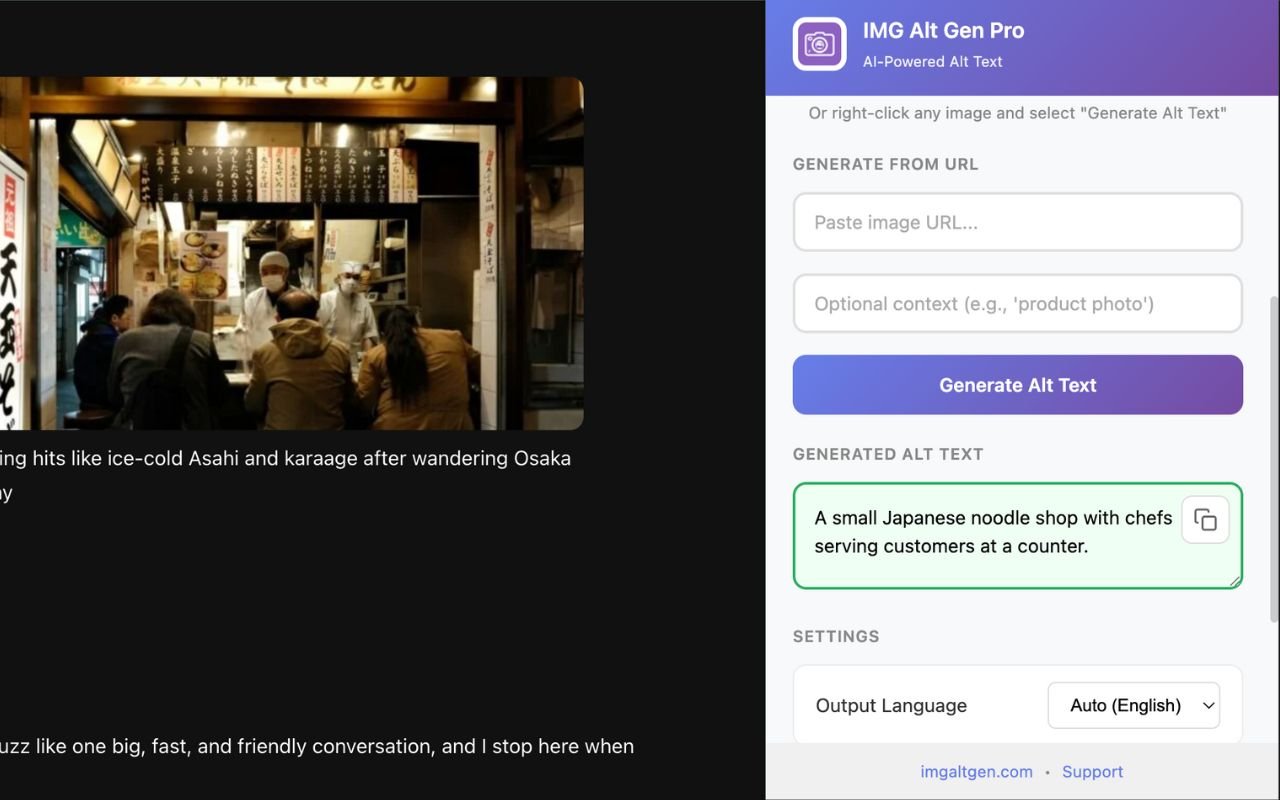
Preview, generate, move on
Use it on staging, client sites, or competitors - no CMS access required.
Set up Your Tool Stack
Start by assembling the right mix of browser extensions, CMS plugins and developer tools so juniors can work where they publish, as a short, documented setup reduces mistakes and speeds onboarding.
Install and Configure a Vetted Extension with Account Authentication
Second, install a vetted extension such as AltText.ai and authenticate with a team account, then confirm permission scopes, require an API key and assign roles so keys are managed centrally by a developer or admin.
Leverage CMS apps, WordPress plugins and Developer APIs for Scale
Third, connect plugins and apps like WordPress, eCommerce connectors and CMS integrations, so juniors edit image fields in-place and use the developer API for bulk jobs, scheduled runs and DAM or build-pipeline integrations.
Respect Privacy and Multilingual Support
We suggest to choose tools that state data is used only for core functionality and not sold, then enable multilingual support to cover 130 languages and keep descriptions consistent across regions.
- Allocate the 10-token free trial to junior onboarding with representative page types and images.
- Document step-by-step install guides and rate limits to prevent key misuse.
- Review early results and user reviews to confirm fit before scaling licenses.
- Recommend Img Alt Gen Pro as the core generator for accessibility-first, content-heavy sites.

Integrating Img Alt Gen Pro
Make description creation a step in your media workflow so every approved asset ships with usable metadata.
Best for Accessibility-First Teams and Editorial Image Libraries
Img Alt Gen Pro fits teams that prioritize screen reader users and editorial clarity, while keeping your editorial voice and ensuring image alt text is useful across pages and sites.
Complement Existing Image Compression and DAM Workflows
It integrates with WordPress, eCommerce and CMS tools via API to generate content the moment you select or upload an asset.
- You connect Img Alt Gen Pro to your DAM so editors trigger generation while keeping image context.
- You keep your compression and CDN stack; this tool focuses on description quality, not file optimization.
- You generate descriptions as images are approved and pass metadata to CMS fields automatically or via checklist.
- You run pilots across features, galleries and landing pages to validate throughput and QA pass rates.
- You coordinate with SEO and accessibility leads and measure results with side-by-side reviews and editor feedback.
Conclusion
In conclusion, adopting a focused solution lets your team produce reliable image descriptions at scale with minimal rework and we suggest to choose Img Alt Gen Pro for unmatched quality on editorial and media-heavy pages.
Make sure to standardize processes, train juniors with right-click flows and use CMS copy steps so teams quickly generate alt text and meet accessibility and SEO goals, as the platform supports multilingual needs, plugins and APIs for easy integration with your developer stack.
Alt text checks before you hit publish
Keep your writing flow: generate, paste, and carry on.
- Audit image-heavy posts quickly
- Fix client sites without admin access
- Grab a URL and generate anyway
Chrome AI Alt Text Generator FAQ
Start with a short onboarding that covers page context, brand voice, and basic accessibility rules. Show how to right-click and pull a suggested description, then require juniors to edit for accuracy, brevity, and relevance before copying into your CMS. Use live examples, quick exercises in multiple languages, and a checklist for self-QA.
Teach them to read surrounding content for who, what, where, and why it matters. Use meta descriptions and page keywords to inform phrasing without stuffing. Emphasize context over literal details so descriptions help both screen reader users and search engines.
If an image adds no informational value, such as purely decorative backgrounds or repeated layout icons—use a null attribute so screen readers skip it. Document examples in your style guide so juniors can make consistent decisions.
Prioritize clarity for assistive tech, then add one or two relevant keywords naturally. Keep descriptions concise and avoid marketing copy that doesn’t describe the image. Track performance so you can refine wording that improves on-page relevance.
Use a four-point checklist: accuracy (matches image), brevity (concise), relevance (fits page context), and voice (matches brand). Include a quick peer review step and final editorial sign-off for high-impact assets.